
Wherever you listen.
On iPhone, Android, Mac, Windows, Linux, or in any browser from a server you host. Latest release: 1.0.3.
Discophile for mobile
Your music, in your pocket.
Two native apps. One place for the music you love.
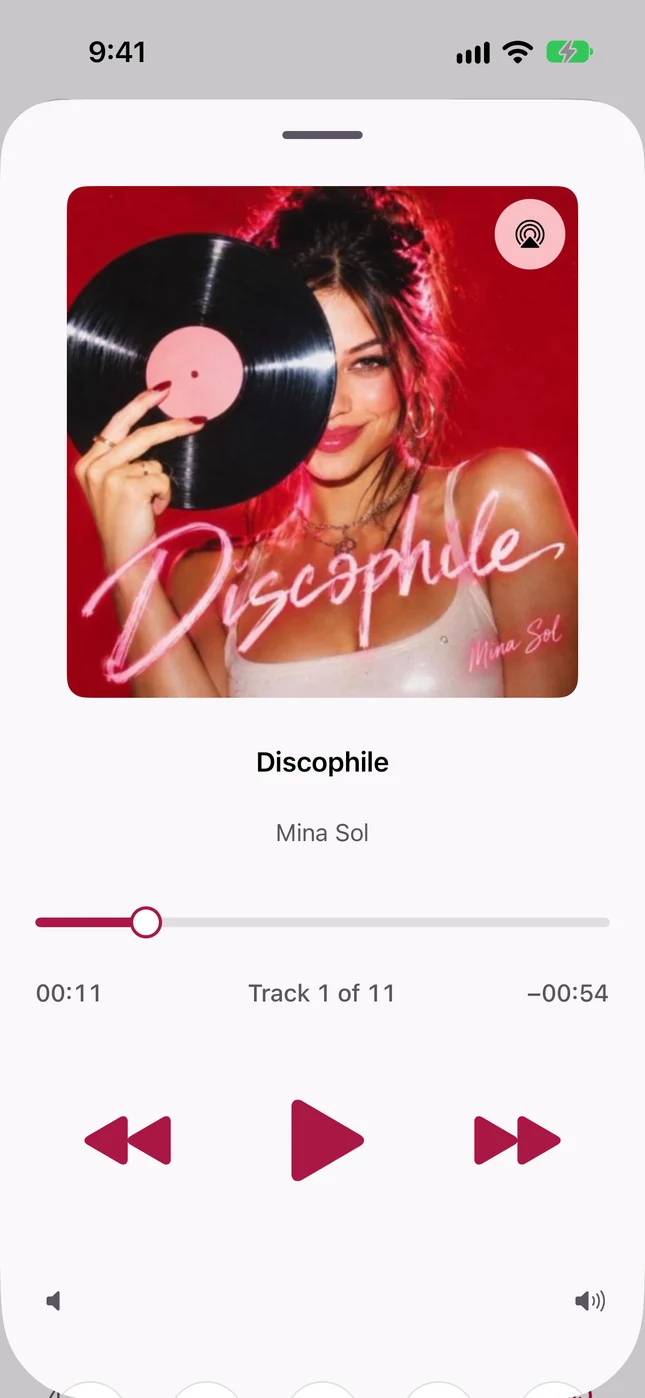
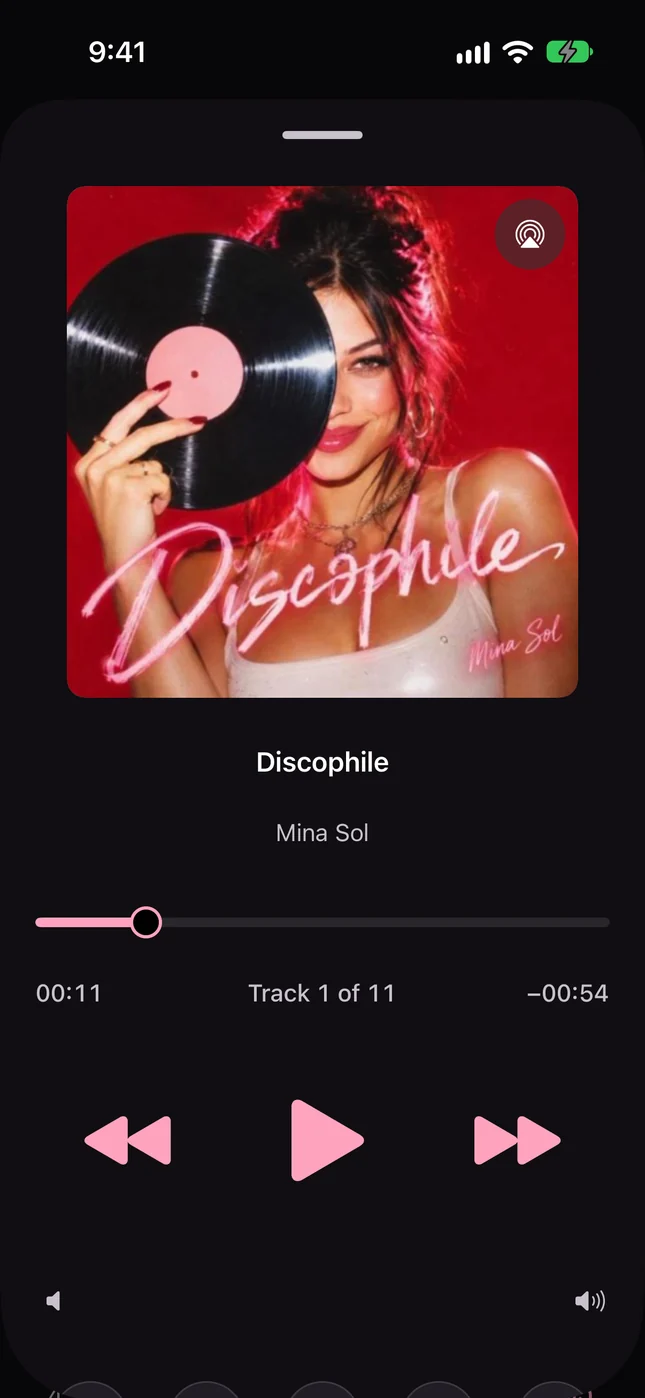
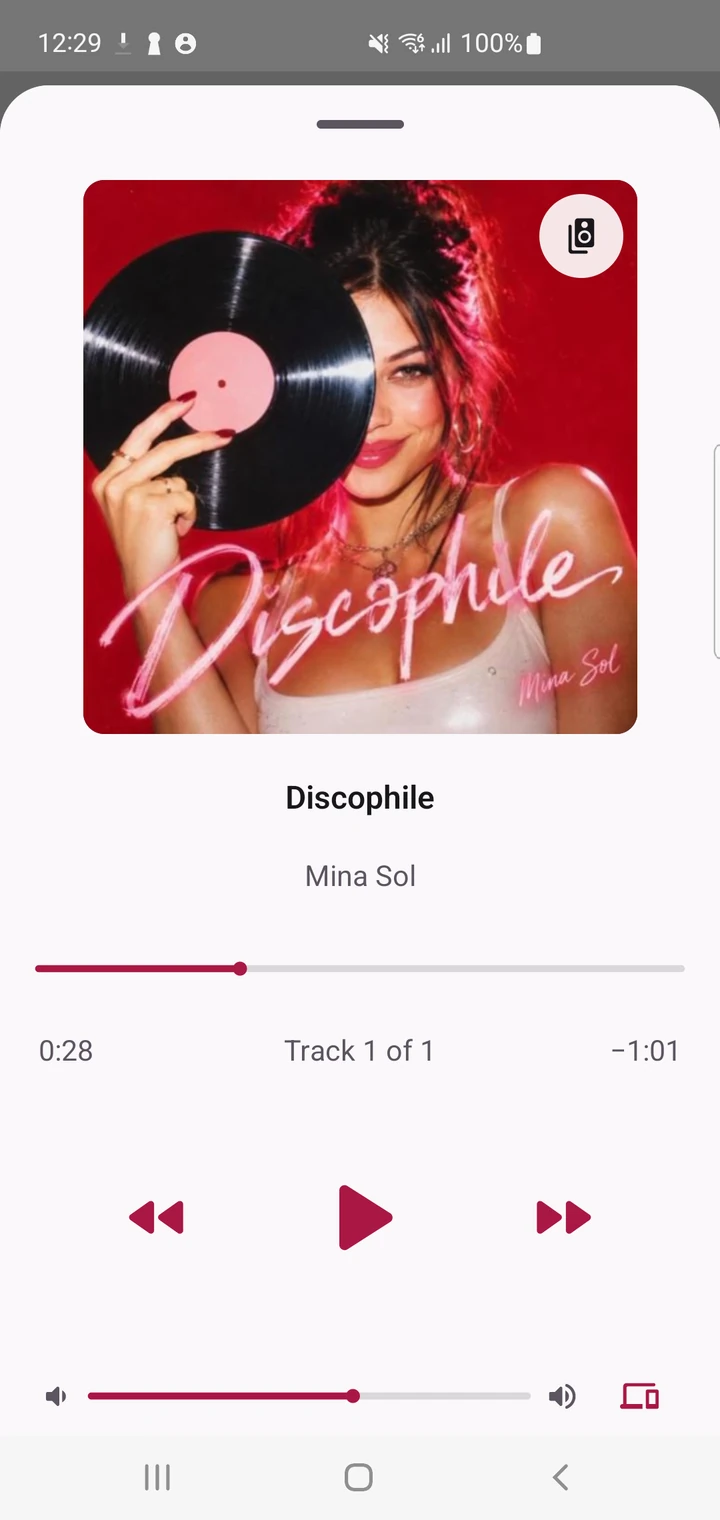
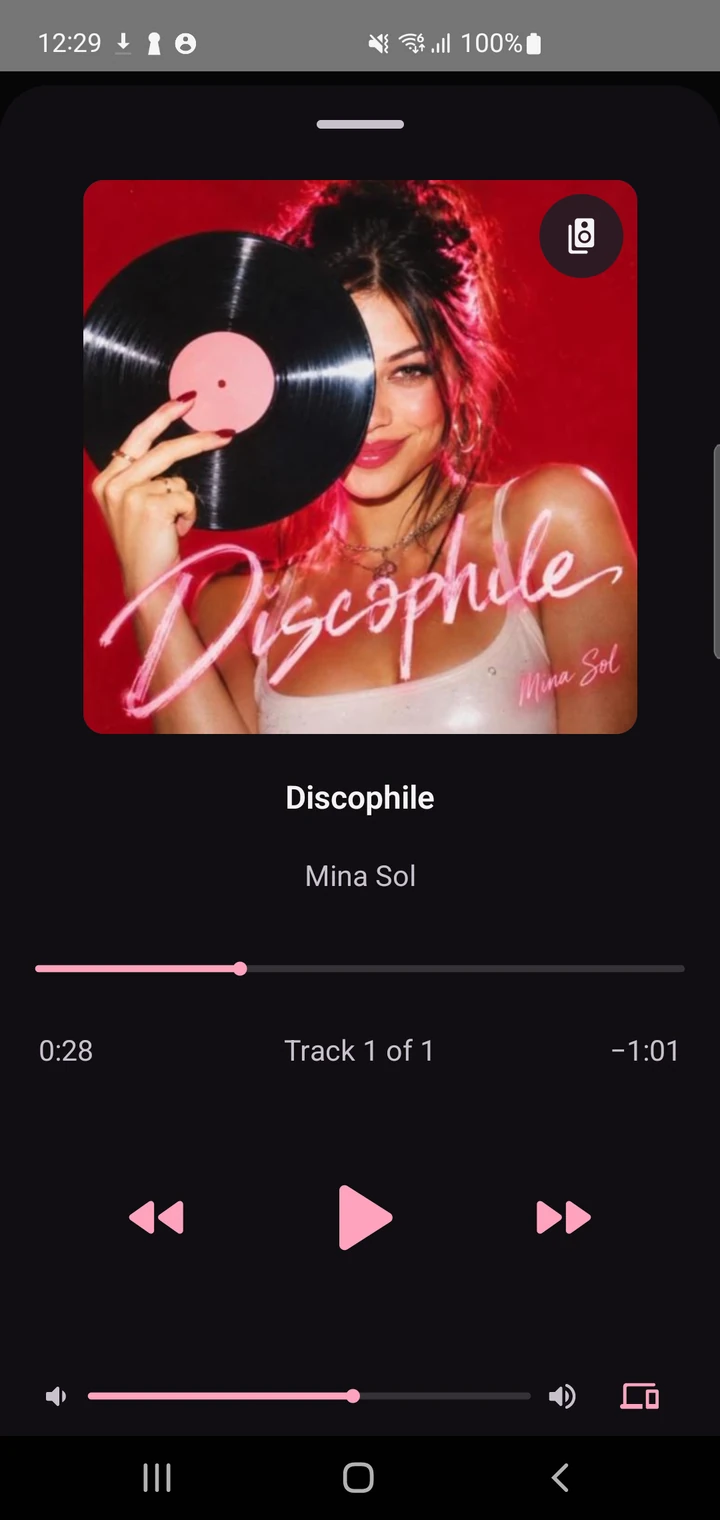
For your phone
iPhone
iOS 17 or later
A native SwiftUI app that feels at home on iOS, with your music, audiobooks and radio a thumb away.
On the App Store
Free, with updates included.
Download on the App Store- Apple Intelligence runs the music assistant on supported iPhones with iOS 26 or later, on the device.
- Siri, the Lock Screen and AirPlay control playback, and dictation turns your voice into a request.
- Sport mode keeps presets for running, walking, cycling and the gym, started from Shortcuts.
For your phone
Android
Android 8 or later
Your music, audiobooks and radio on your Android phone, with a signed APK you can install directly.
- Offline listening for music, podcasts and audiobooks, with playback controls on your phone.
- Music assistant with ChatGPT; an on-device model is available only on compatible devices and is still being validated.
- Playback controls in notifications, on the lock screen and with headphones.
Version 1.0.3 · 17 MB · Discophile-1.0.3-android.apk
Install this signed APK on Android 8 or later. Read the installation guide before updating an existing app.
How to install the APK on Android
The APK is a signed Android app package. You do not need Google Play to install it.
- Download the APK on your Android 8 or later device and open it from Downloads.
- If Android asks, allow installation from the browser or file manager you used, then confirm the installation. You can turn that permission off afterwards; do not disable Play Protect.
- For updates, install the new APK over the existing app. Android requires the same signing key; development/debug builds may have a different key.
If Android reports a signing conflict, do not uninstall or clear app data to bypass it: that can erase accounts, downloads and listening progress. Keep the existing app until you have a backup or migration plan.
For your computer
Mac, Windows and Linux
The same Discophile in a window made for a keyboard and a big screen: your library in the sidebar, the player always in reach, and the queue, lyrics, About and the assistant beside what you're browsing.
- System media controls: Now Playing on macOS, the media overlay on Windows and MPRIS on Linux, plus a tray menu to keep listening with the window closed.
- A full menu bar on the Mac, with shortcuts for every section, Back and Forward, and Settings.
- A local model or ChatGPT for the assistant, and agents such as Claude through MCP, only on your computer.
- Updates: Install verified updates from the app. Debian / Ubuntu and Arch packages are updated through the package manager.
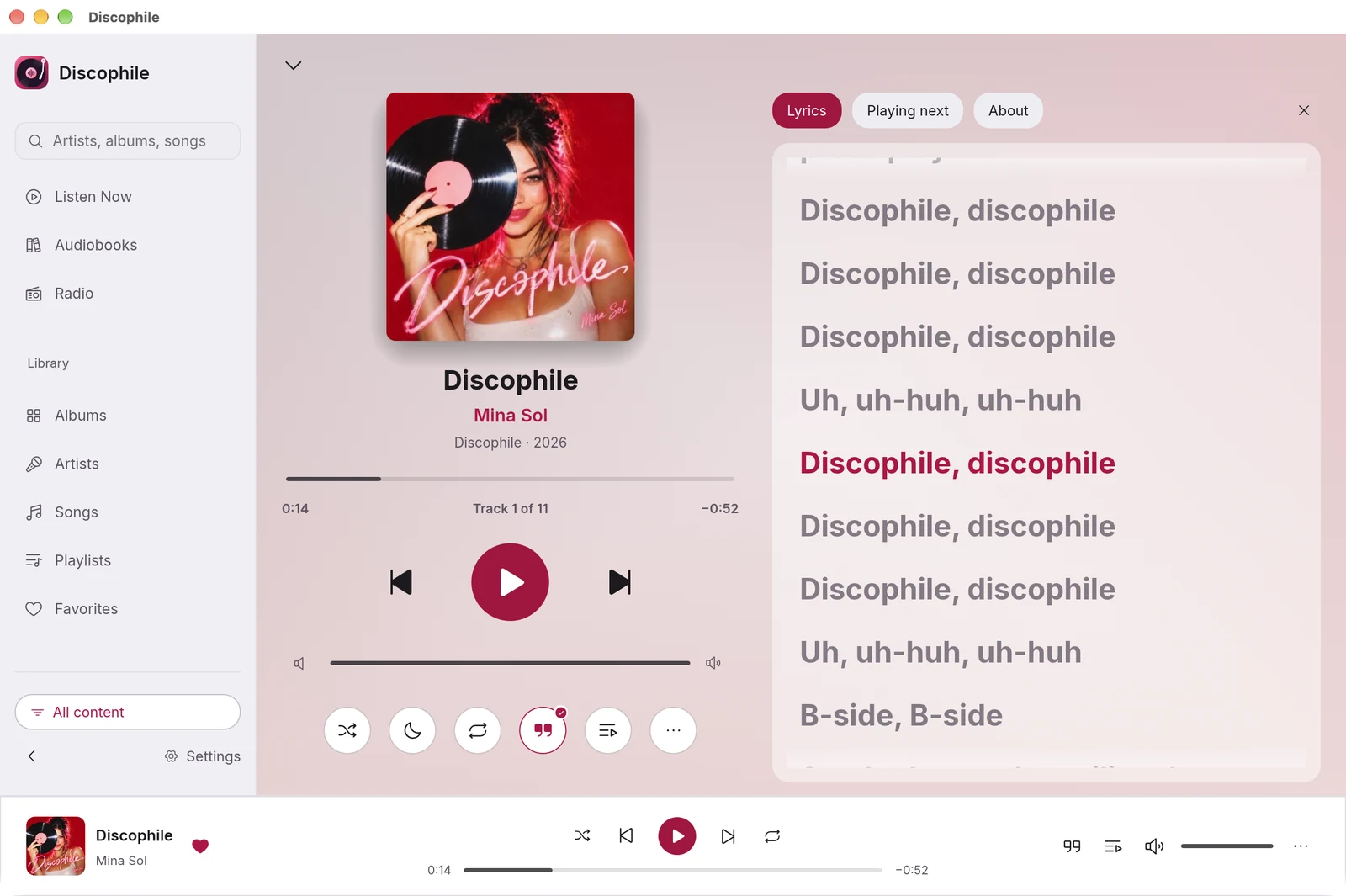
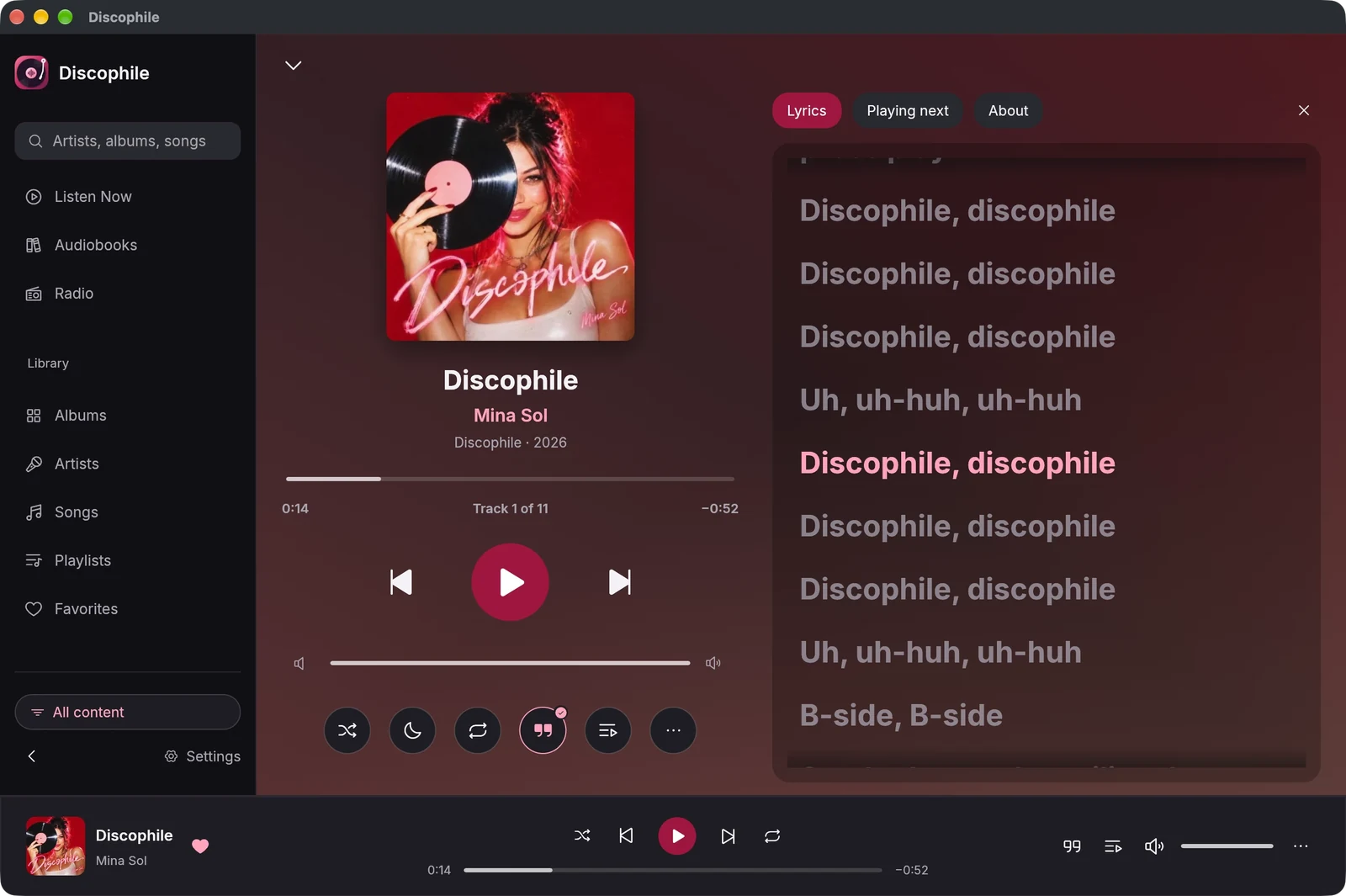
Mac
macOS 11 or later, Apple silicon and Intel
Signed and notarized by Apple. Open the disk image and drag Discophile to Applications.
Discophile-1.0.3-macos-universal.dmg · 30 MB
Windows
Windows 10 or later, 64-bit
Extract the zip and run Discophile.exe.
Discophile-1.0.3-windows-x86_64.zip · 14 MB
Linux
x86_64 · Ubuntu 22.04 or equivalent, glibc 2.35+
Choose a Debian / Ubuntu package, a portable AppImage, or the tar archive.
discophile_1.0.3_amd64.deb · 14 MB
Debian / Ubuntu: install with sudo apt install ./discophile_1.0.3_amd64.deb.
Discophile-1.0.3-x86_64.AppImage · 20 MB
AppImage: make the file executable, then open it.
Discophile-1.0.3-linux-x86_64.tar.gz · 20 MB
Tar archive: extract it, then run discophile.
On Arch Linux, install discophile-bin from the AUR:
yay -S discophile-binHost it yourself
Any browser
A server you host, with Docker or Kubernetes
The web player is the same app compiled for the browser. Host it next to your music server and listen from any computer, with a built-in proxy so you don't have to set up CORS.
- Your credentials stay in that browser's storage.
- It streams only: downloads for offline listening and ChatGPT sign-in are available on desktop, iPhone and Android.
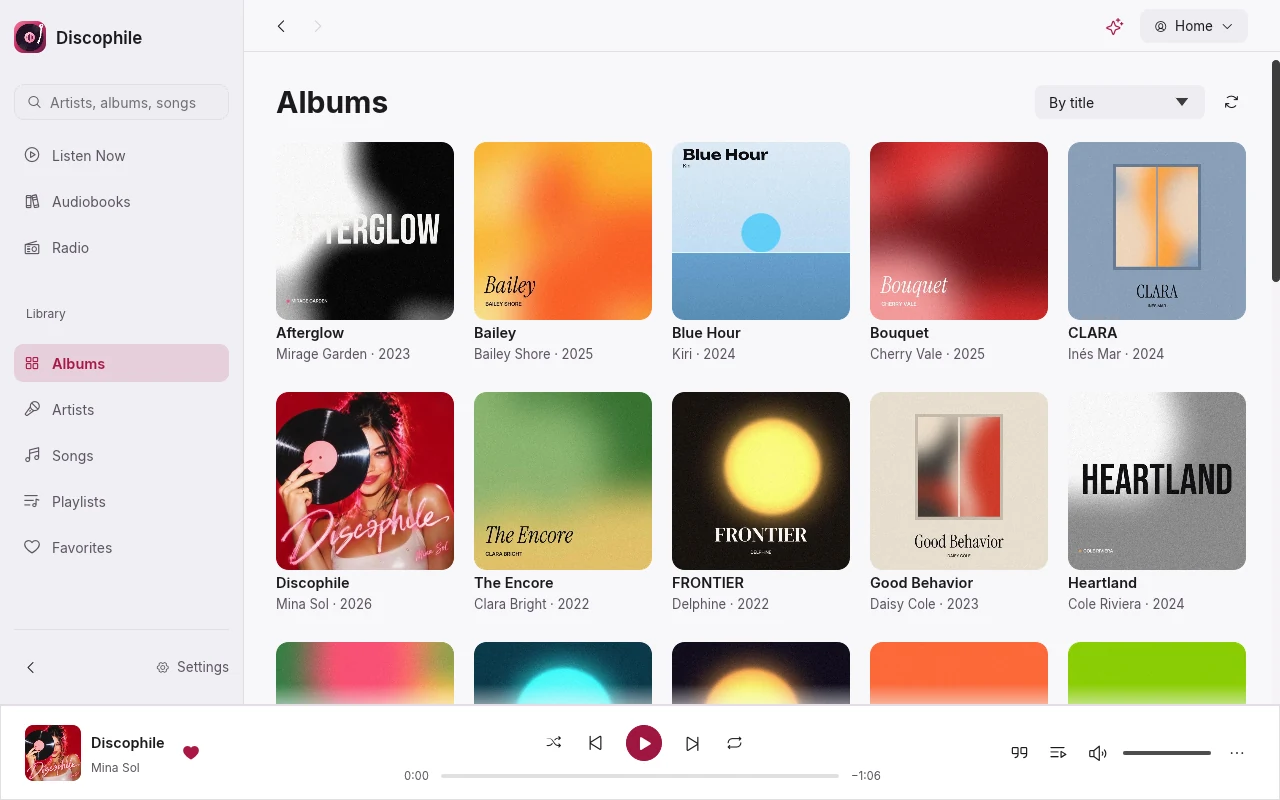
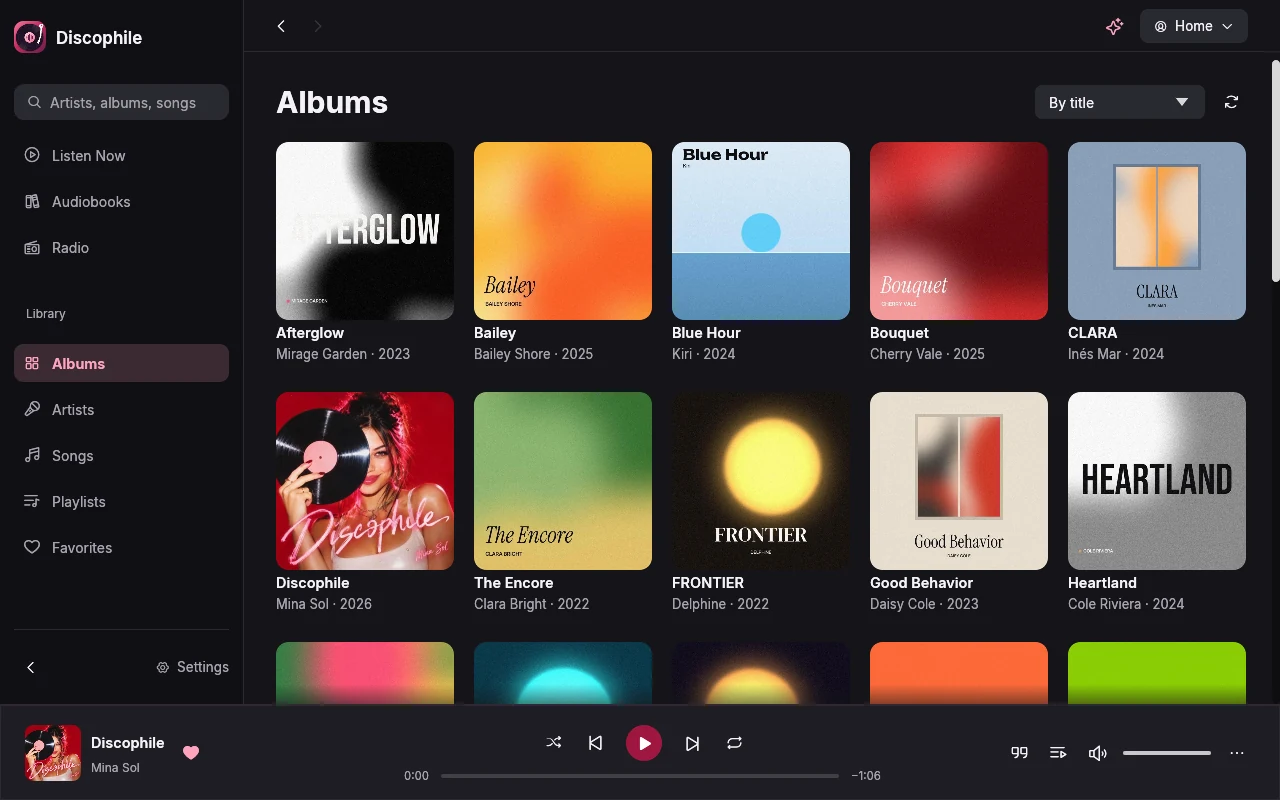
Discophile Connect
Your devices, in sync.
Discophile Connect brings selected connections and preferences to your trusted desktop and mobile devices, encrypted for your Connect vault. Your music streams directly from your servers.
Free
0 €
2 devices, one selected connection and shared preferences.
Connect
€2.99/month or €24.99/year
10 devices, all selected connections, encrypted backups, remote playback controls and Continue here.
Supporter
€4.99/month or €39.99/year
The same features as Connect, with a larger contribution to development.
Connect is optional and available on desktop, iPhone and Android. Listening and local connections stay free. Paid plans are activated by email: no checkout or automatic renewal.
Side by side.
| iPhone | Android | Desktop | Web player | |
|---|---|---|---|---|
| Navidrome, Subsonic and Jellyfin | Yes | Yes | Yes | Yes |
| Audiobookshelf and internet radio | Yes | Yes | Yes | Yes |
| Listen Now, statistics and synced lyrics | Yes | Yes | Yes | Yes |
| Equalizer and ReplayGain | Yes | Yes | Yes | Yes |
| Offline downloads | Yes | Yes | Yes | No |
| Music assistant | Apple Intelligence or ChatGPT | ChatGPT; on-device model on compatible phones | Local model or ChatGPT | Local model |
| Voice and Sport mode | Siri, dictation and Shortcuts | Dictation and Sport presets | No | No |
| Agents through MCP | No | No | Yes | No |
| Passwords kept in | iOS Keychain | Android Keystore | System keychain | Browser storage |